
Navigate to your email addresses
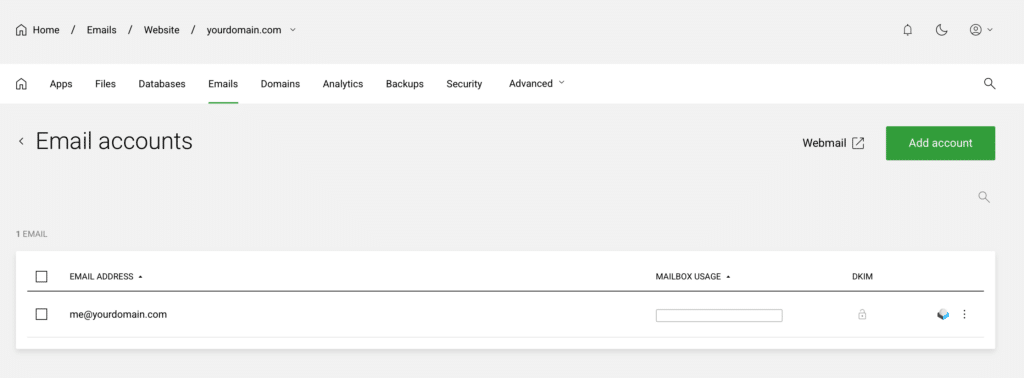
Choose the relevant website and click Emails as shown below

Choose the email address
Open the menu (⋮) next to the relevant email address and select Manage
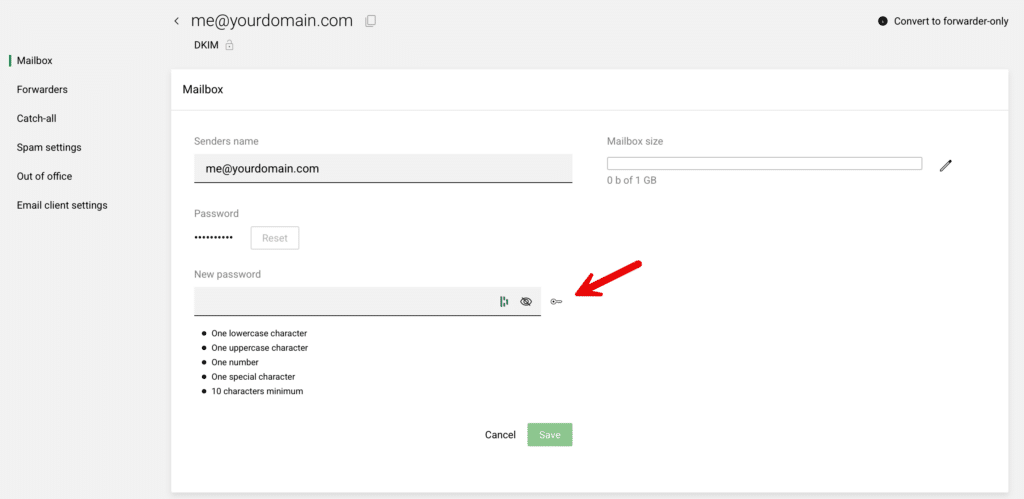
Click on Reset to change the password
Now either enter your own password or click the Key as shown to have one generated for you and click Save
Your password is reset
Your password is now changed.
You can also change your own password in webmail: go to Settings > Password.
