
Logging in directly
To login to your PAC Web Hosting Client Area, visit https://pacwebhosting.uk/clientlogin then go to step 2 below.
Logging in from pacwebhosting.uk
1, When visiting our website to login click “CLIENT LOGIN”

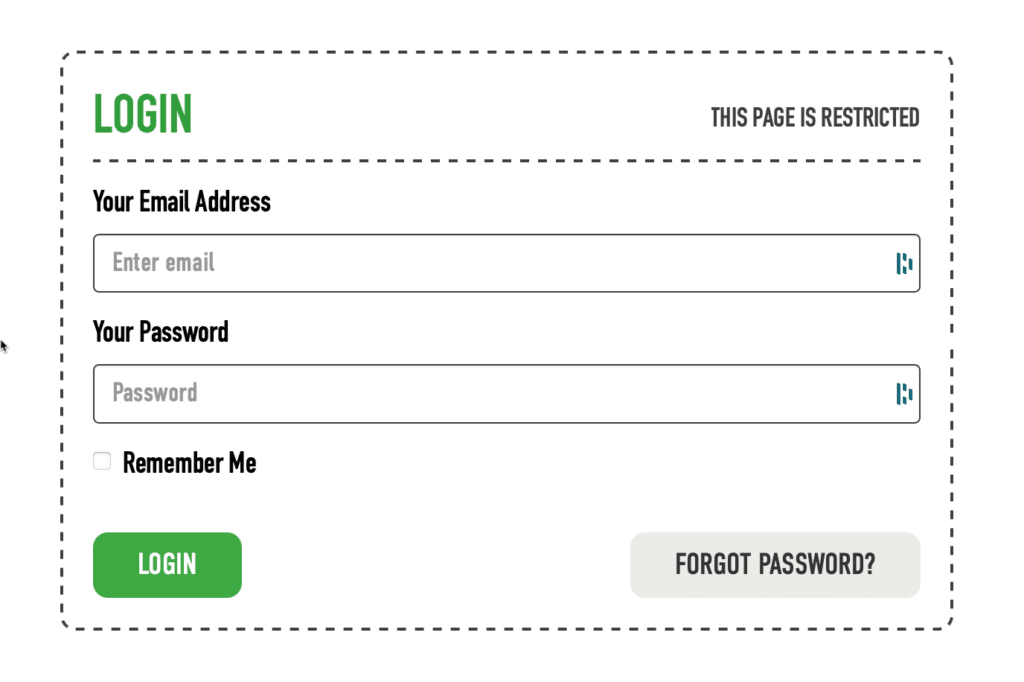
2, Now enter your login email address and password and click “LOGIN” and you will be logged in*
Two Factor Authentication
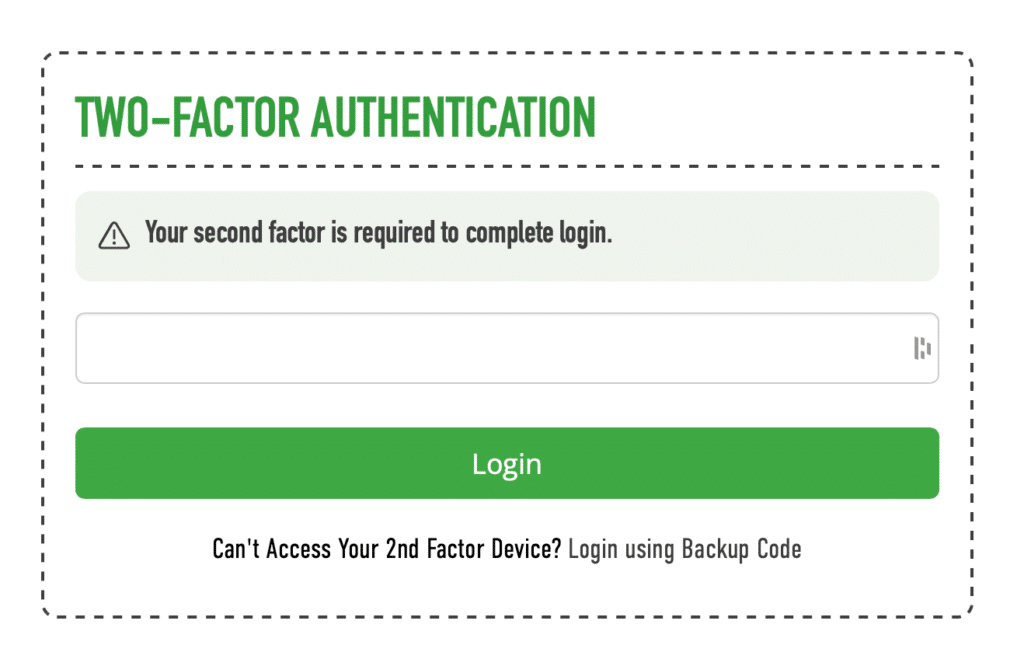
3, Enter your code from your authenticator app and click “Login” and you will be logged in**
** if you have issues with your authenticator app then you can login using a backup code which was supplied to you when you activated 2FA
