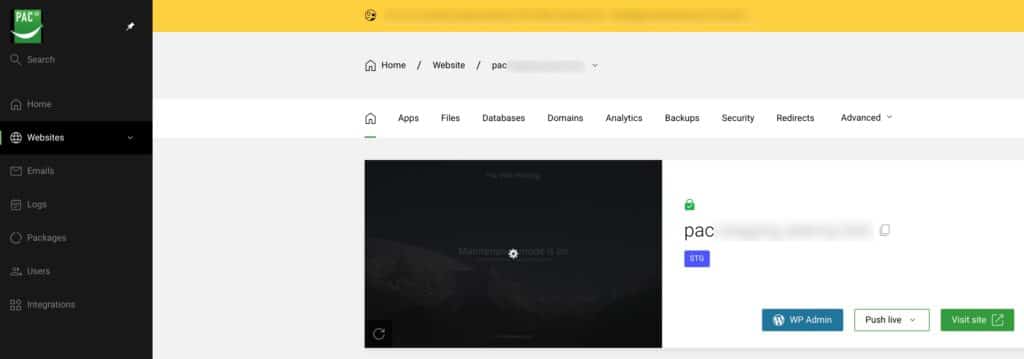
Log into Enhance Panel directly
To login to enhance panel please visit https://cp.pacwebhosting.uk
You can then login with the information provided in your new hosting welcome email.
Log into Enhance Panel automatically
You can also log into enhance automatically from your PAC client area login without needing to use/manage two sets of login credentials.
To do this you need to first login to your client area here https://billing.pacwebhosting.uk/login or by clicking “CLIENT LOGIN” from any page on our website.
You can learn how to do that here and then come back to this article when logged in.
Navigate to your services
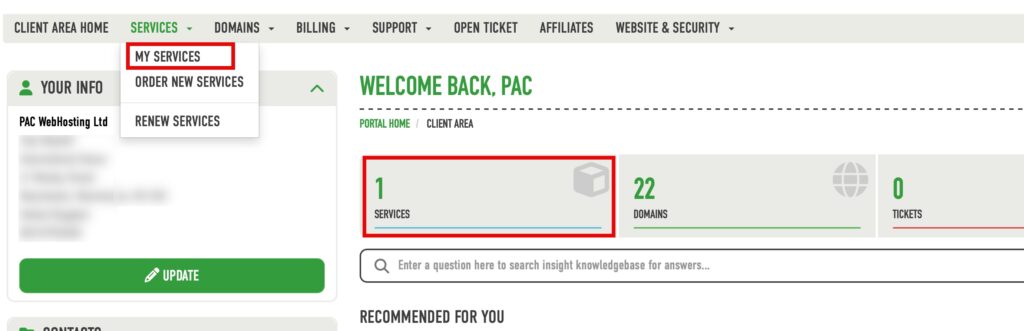
From the menu you can view your hosting packages two ways, by the Services>My Services menu or by clicking the Services box as shown below.
Select the hosting plan
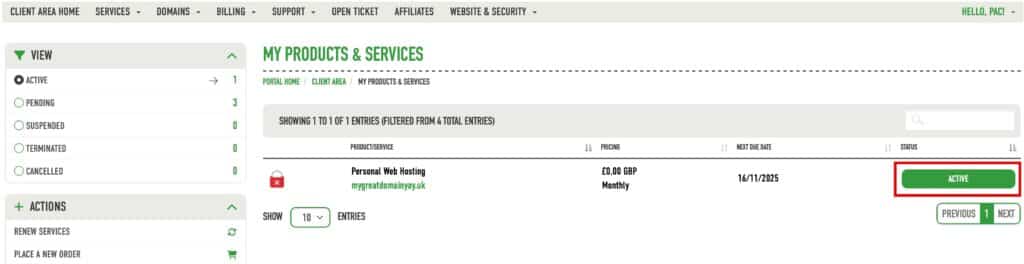
Now you will see a list of all the services in your account, find the hosting service you want to login to enhance panel for and click the green active button as shown below.
Login to Enhance Panel
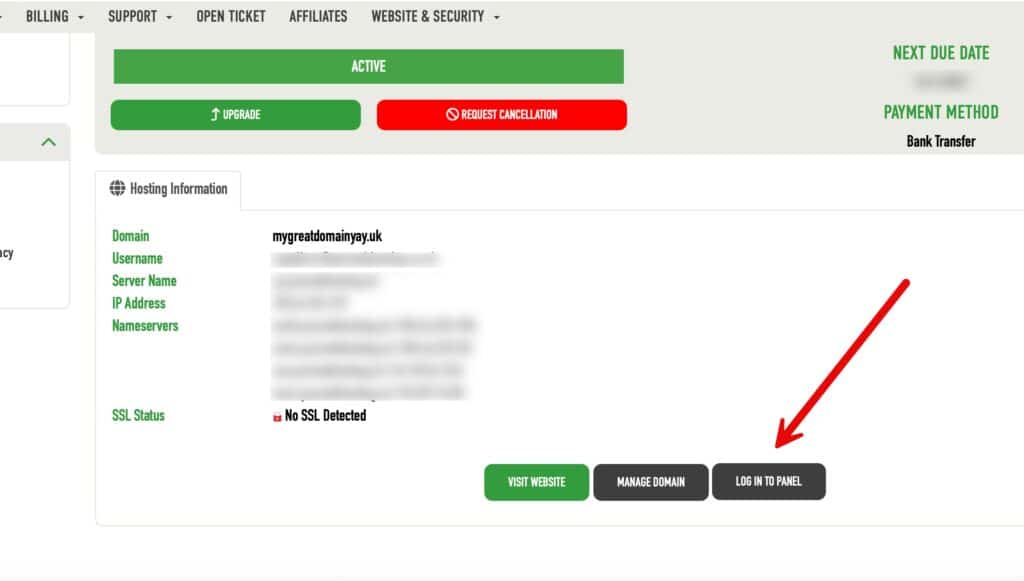
Now scroll down the page and click on “LOG IN TO PANEL”
This will take you directly into enhance.
And that’s it you are now logged into enhance panel!