
Navigate to the login page
To reset your password for enhance panel please visit https://cp.pacwebhosting.uk
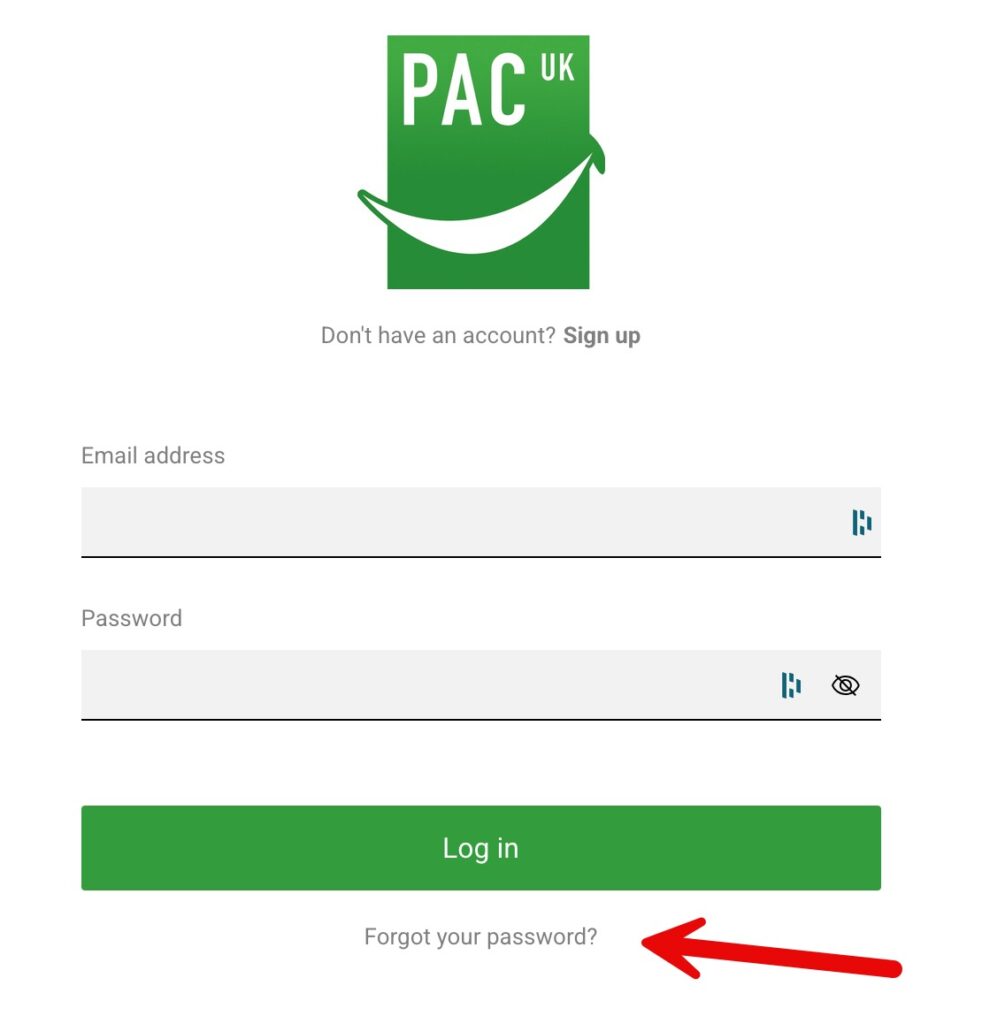
When you get to the page click on “Forgot your password?”
Enter your details
The next page requires your email address related to your Enhance CP login, enter it and then click “Recover password”
Check your inbox
After you click “Recover password” an email is sent to your email address with instructions on how to reset your password.
Follow the instructions
The email will contain a link to click to reset your password, please click it.
Enter a new password
Enter a new password following the guidelines shown and then click “Reset”
Login with updated details
All being well with your new password you will now be able to click “Log in now” and login with your updated password.
