
To add an addon domain to an existing website
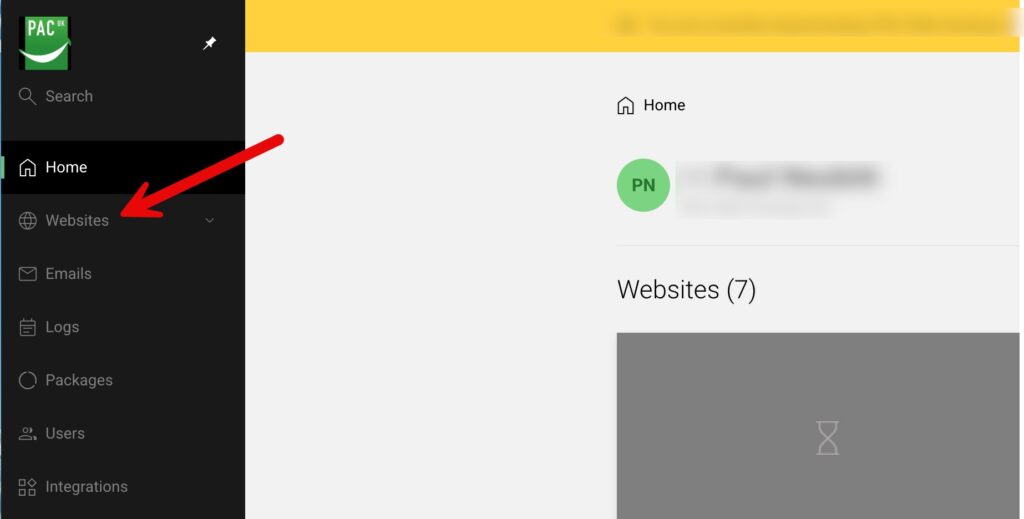
First you need to make your way to your list of websites as shown below
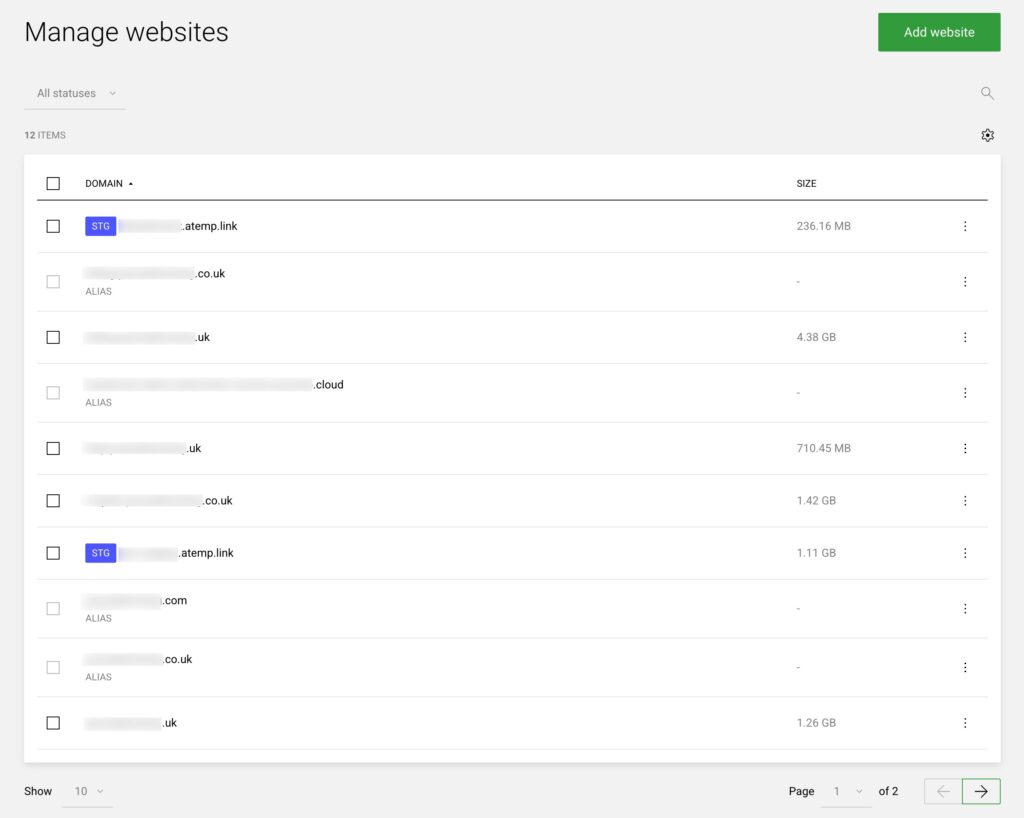
Now select the website to add it to
You will need to click on the website name in your list
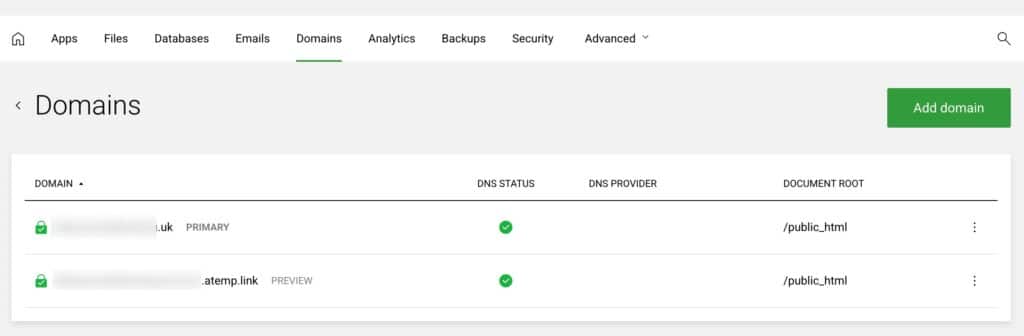
Now choose the domains tab
This shows you the domains within the selected website
Click “Add domain”
Now choose Addon as shown below (1) then fill in the domain name (2) – you can accept the information the system enters into (3)
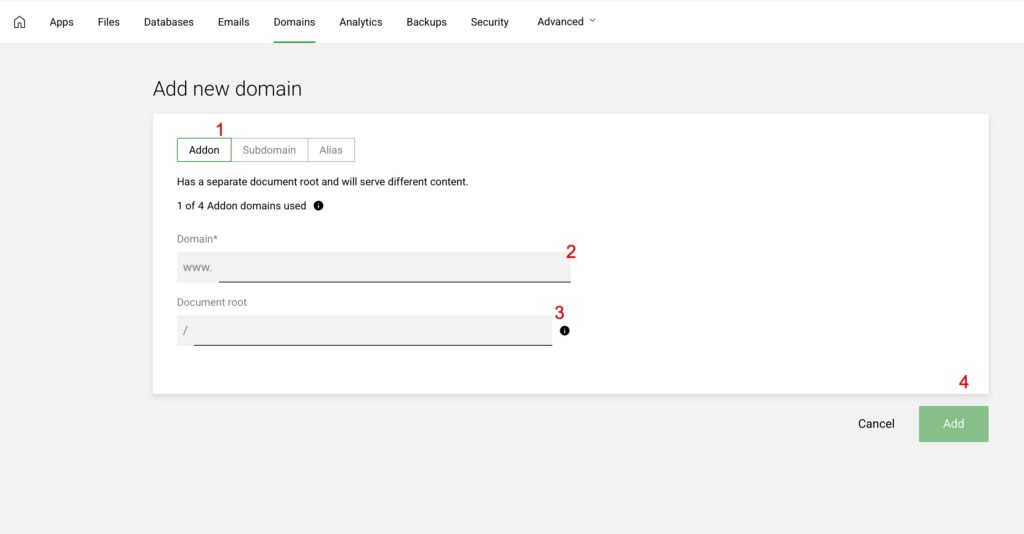
Once you have done that click Add (4) and it is added.
