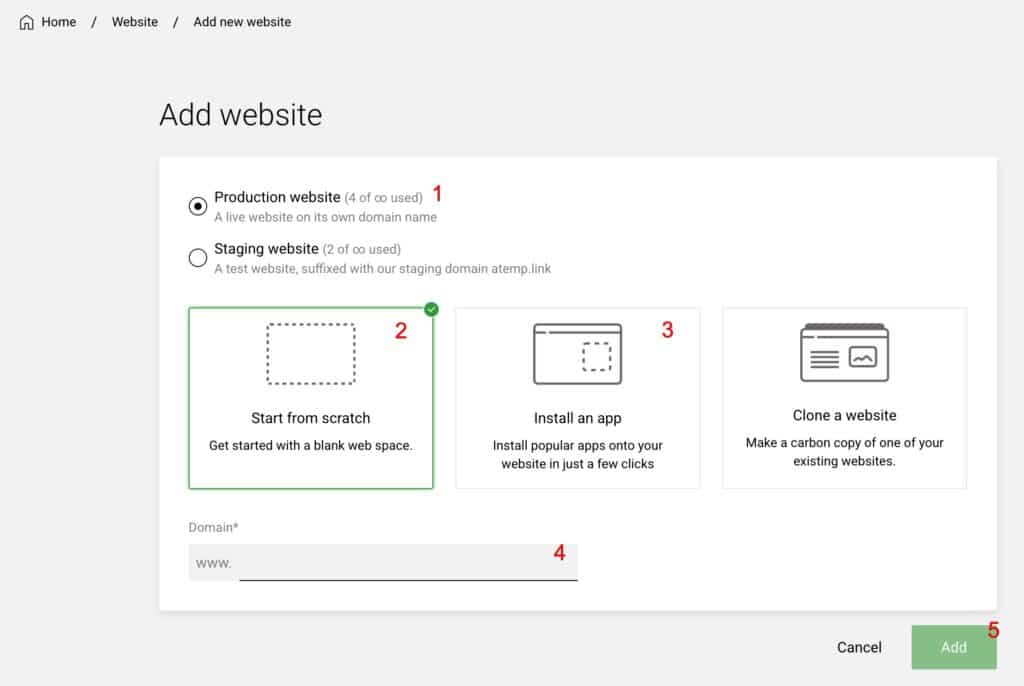
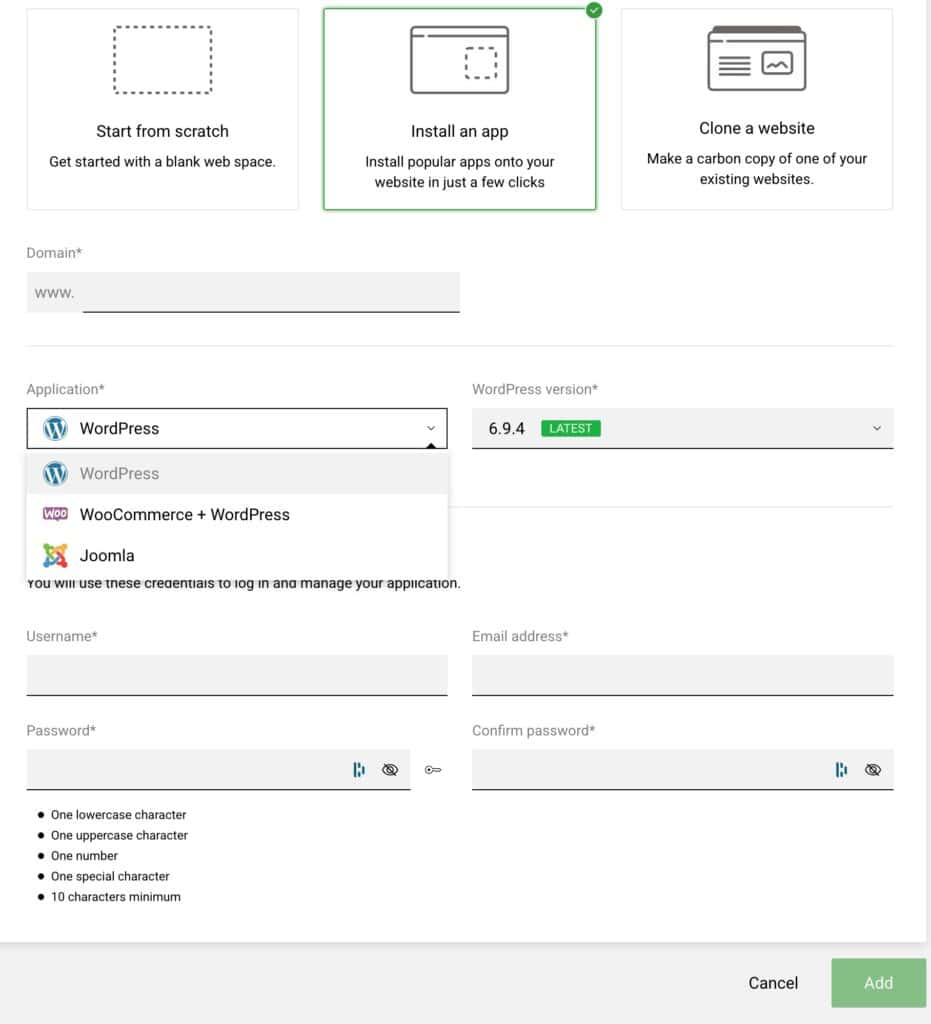
To add a new website to your enhance hosting panel
First you need to make your way to your list of websites as shown below
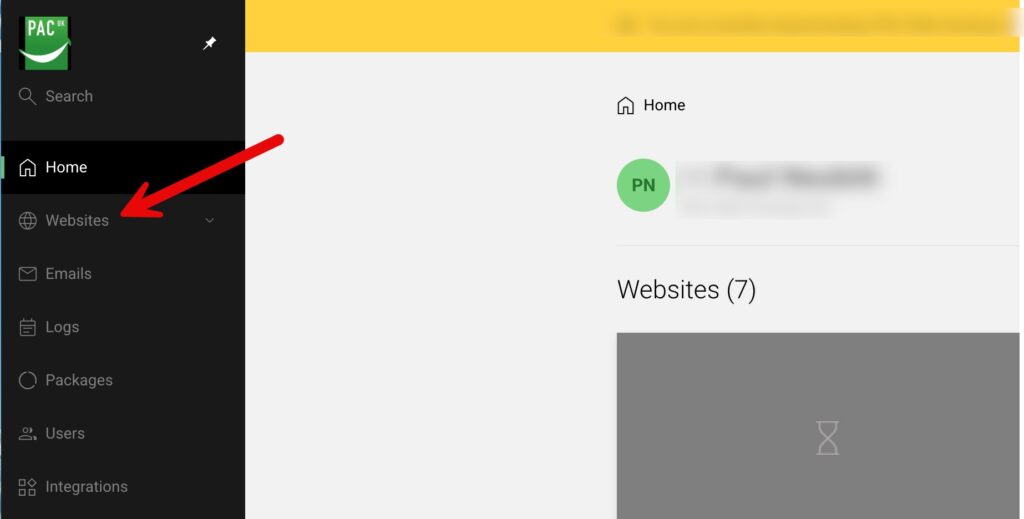
Now you add your new website
You do this by clicking on “Add Website” as shown below
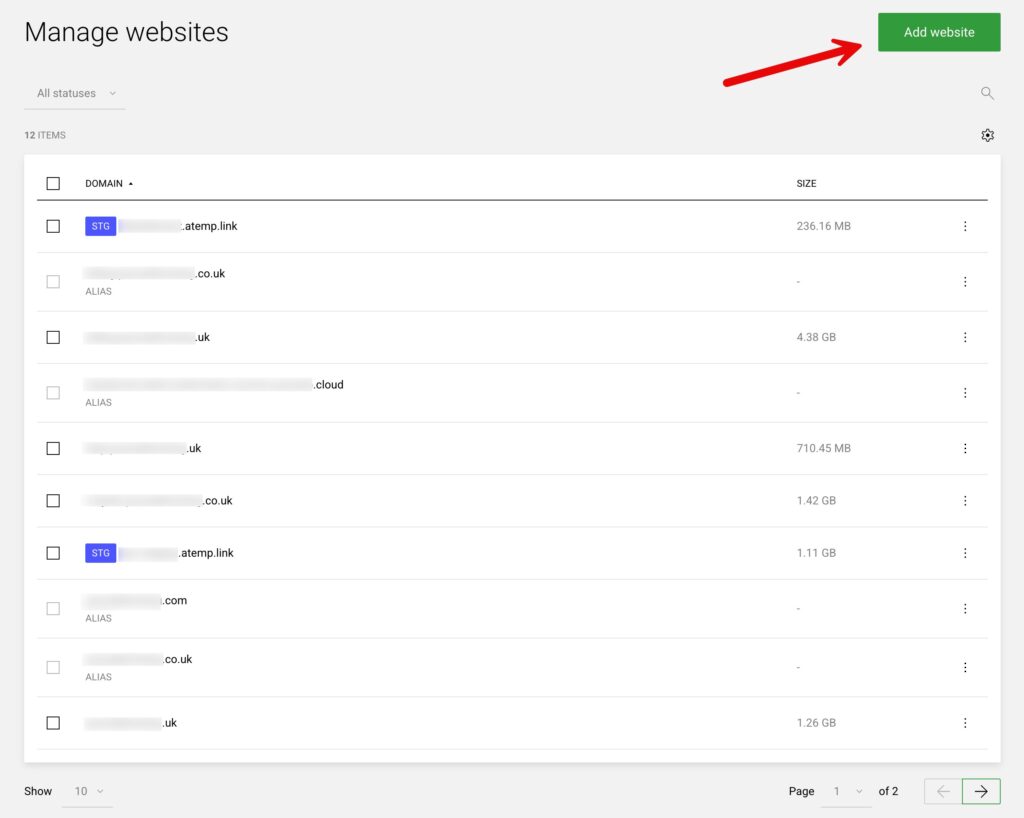
Next choose from your options.
As this is a new production website make sure you have selected production website as shown below (shown as 1)
Now enter the domain name required (option 4) and finally click “Add” (option 5) to add the website