Adding a sub domain
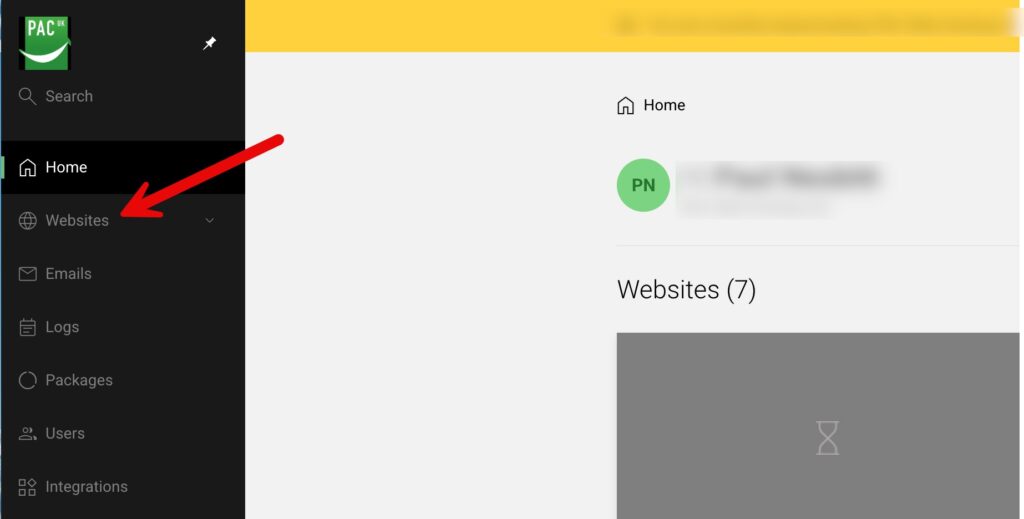
To add your sub domain first list your websites by clicking as shown below
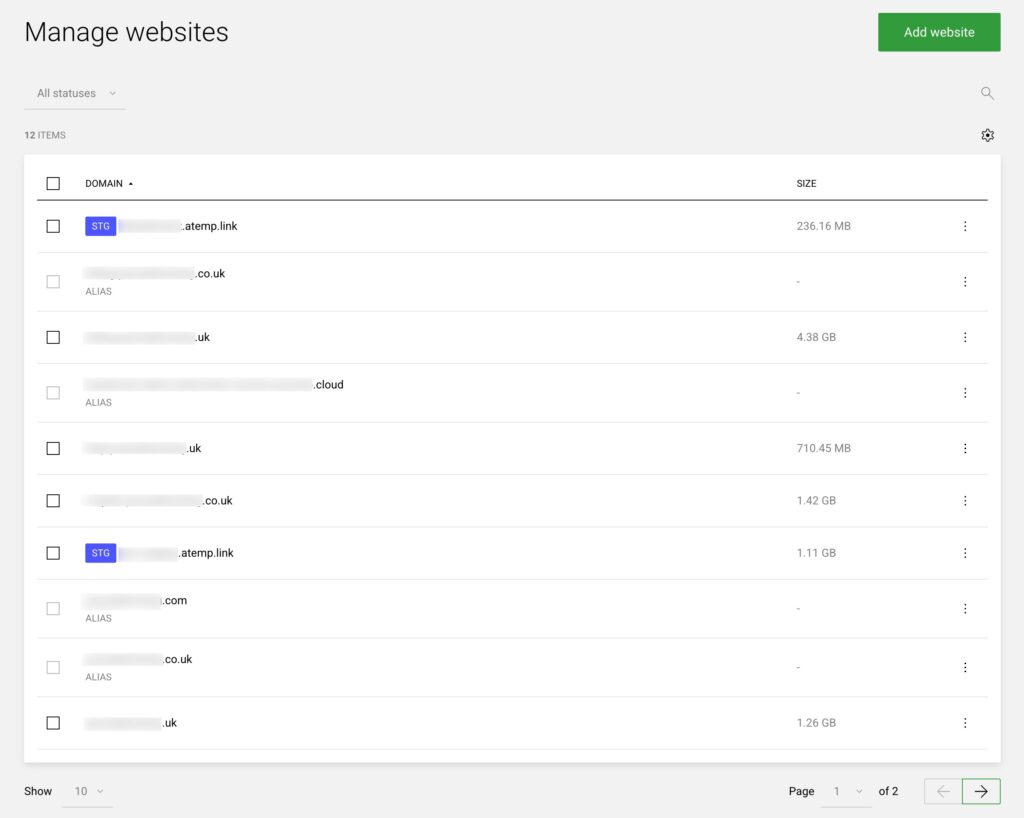
Choose the existing website to add it to
From the list of your websites click the line of the relevant website to enter management for that website as shown below
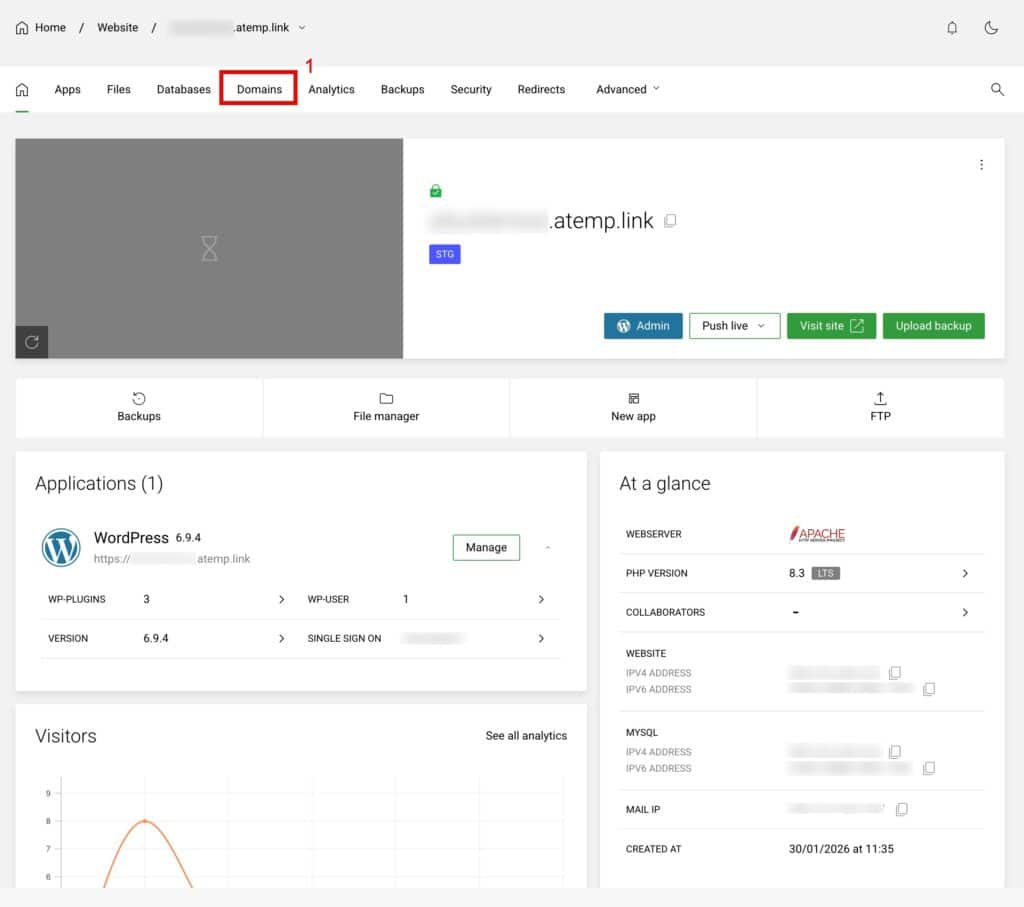
View the domains within this website
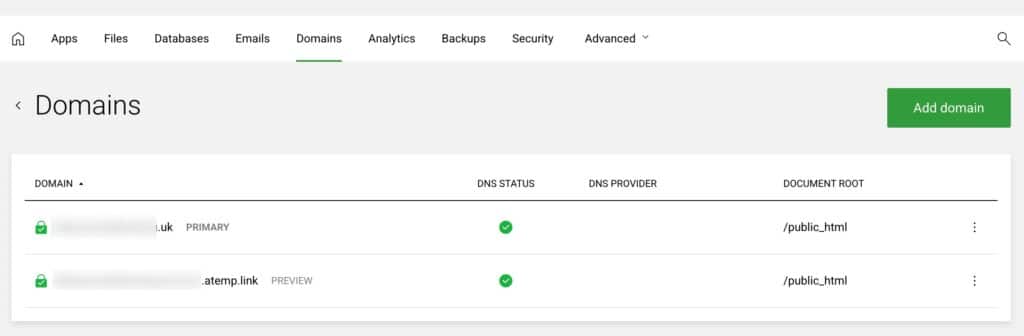
To do this click Domains as shown below
You will now see a list of domains
Now click “Add Domain” as shown on the screenshot below
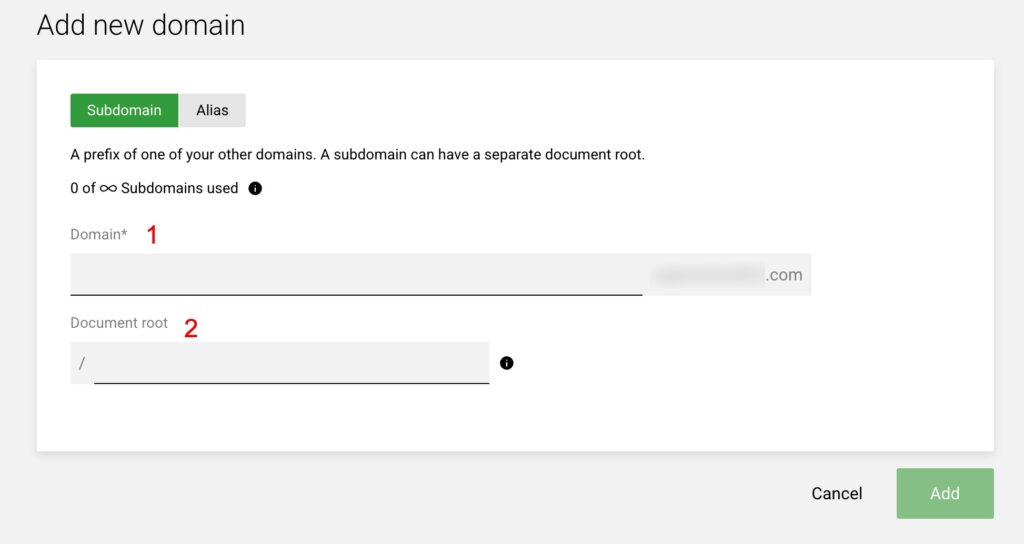
Now add your subdomain
Referencing the screenshot below enter your subdomain in box 1